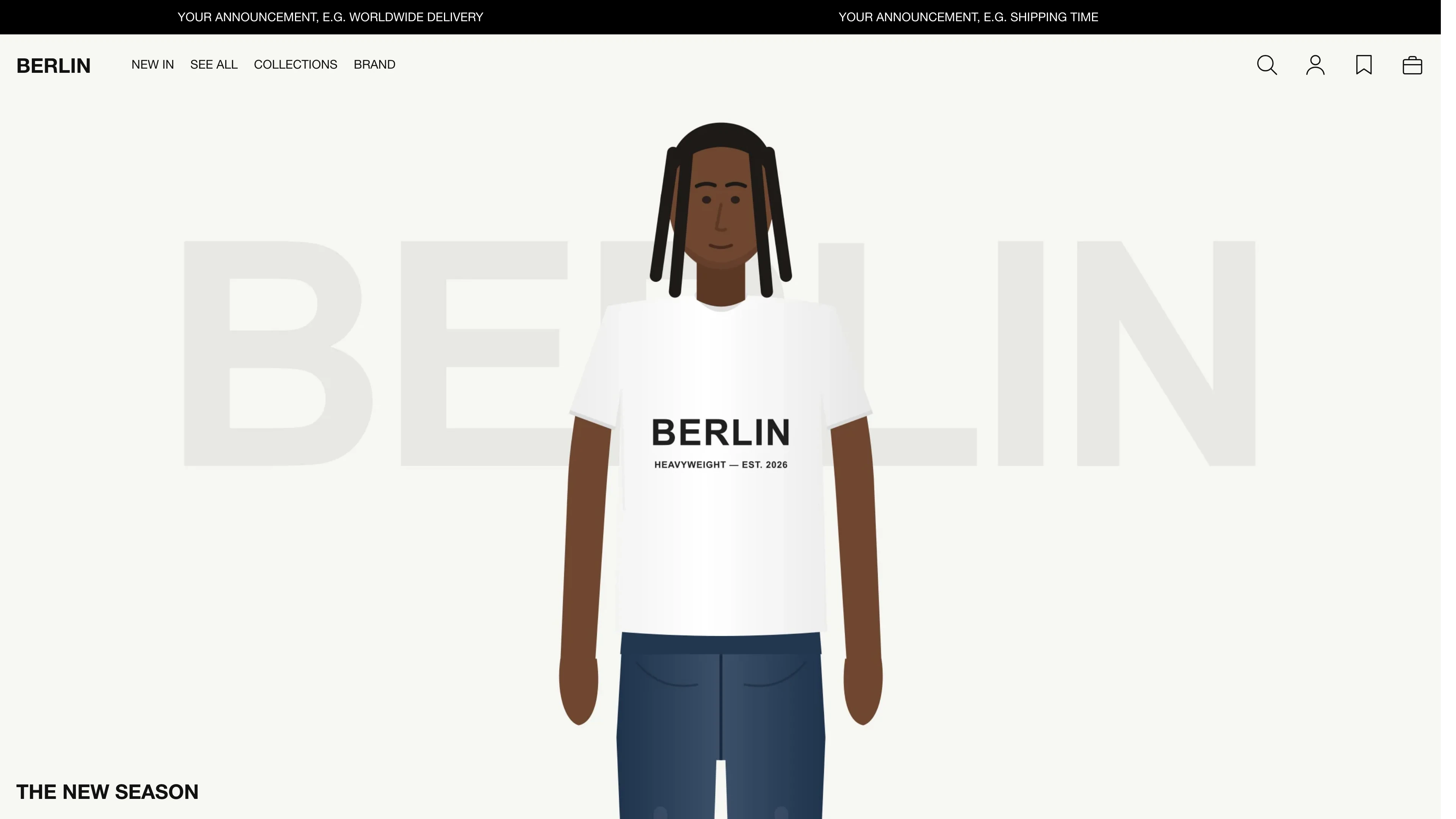
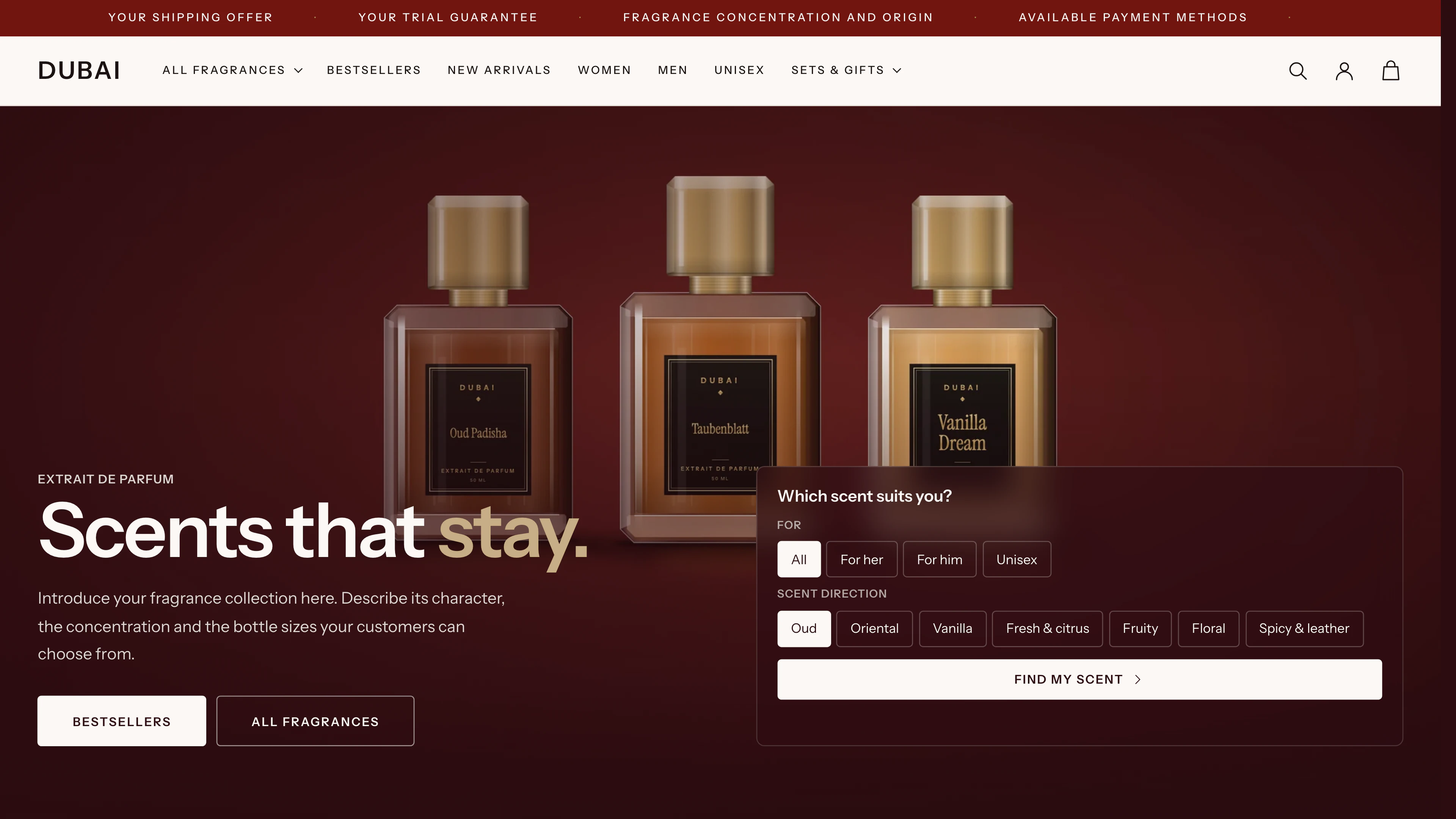
Texas
Large product images meet a light glass look.
Preview
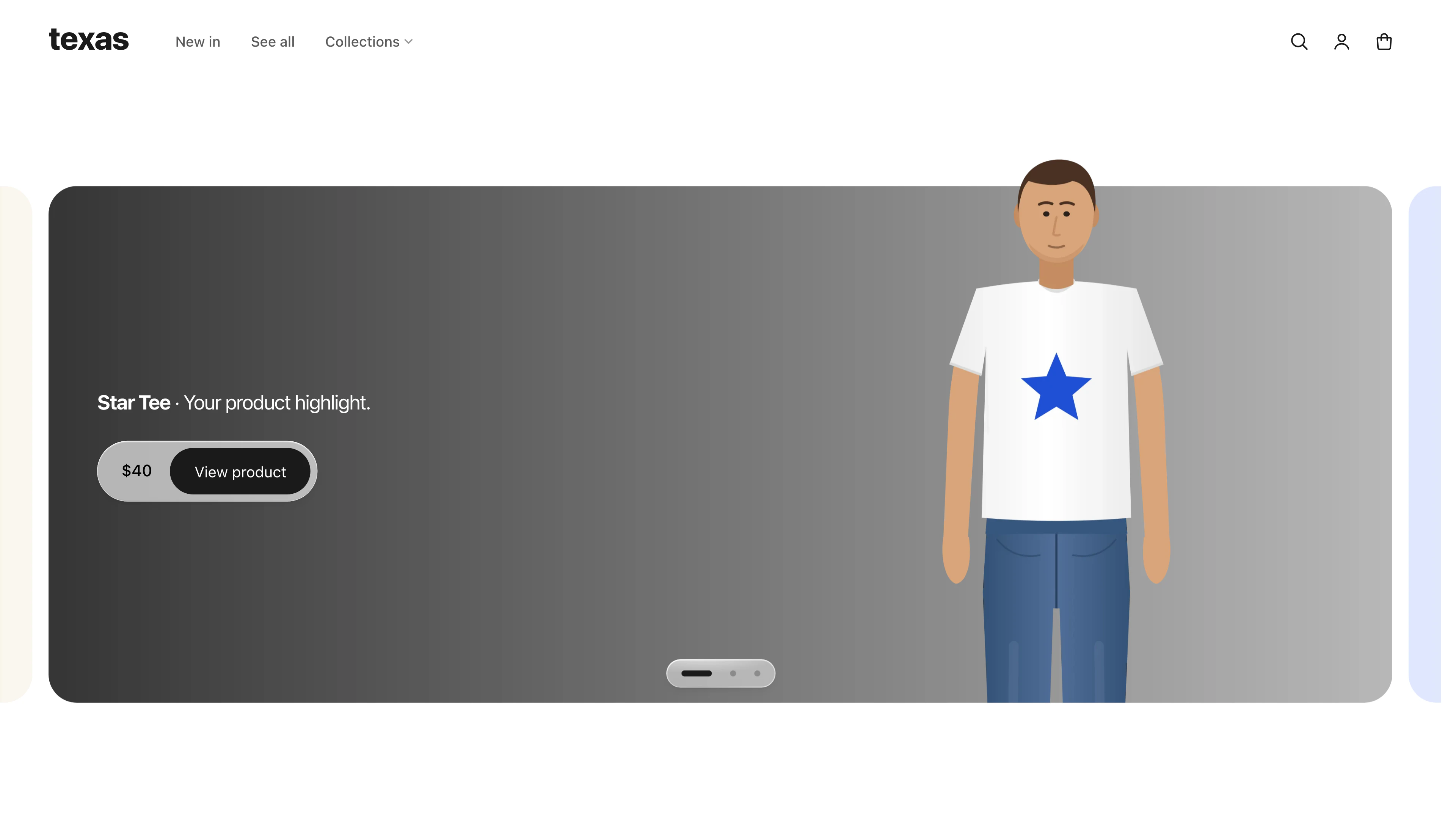
Preview with demo content01 / 15
Shopify theme
Price incl. VAT for your country.
Open live demo(opens in a new tab)Demo password texas
For Fashion, merch and curated ranges
- One payment. No subscription.
- Instant download after purchase
- 12 months of updates included
Features & details
Texas gives every product room to stand out. Cutout images, soft color gradients and floating glass surfaces create a calm, distinctive look. The glass buy bar lets customers switch between products and choose their color and size. A size finder and clear information cards help them decide. A natural fit for curated collections, merch and limited runs.
Product page
Large images, a floating buy bar and help choosing a size.
Product page
Large images, a floating buy bar and help choosing a size.
- Floating glass buy bar that shrinks to the price and purchase button while scrolling
- Switch between products from a collection of your choice directly in the buy bar
- Select colors and sizes directly in the buy bar, with Shopify color swatches
- Give each product its own color gradient through a metafield
- Pair the product image with clear information cards for fit, materials and shipping
- Size suggestion based on height and weight. Adjust the mapping to your range in the editor
- Separate templates for bags, products with video and accessories without a product switcher
- App blocks in the product details
- Supports products with up to 250 variants. Split larger ranges into separate products.
Collection and search
Find products quickly and buy directly from the grid.
Collection and search
Find products quickly and buy directly from the grid.
- Filters in a side panel and sorting in a compact menu
- Floating filter and sort button on mobile
- Optionally show a second product image when customers hover over a card
- Quick buy in a side panel directly from the product card
- Optionally show available colors on the product card
- Product suggestions as customers type into search
Cart
Add matching products and show progress toward free shipping.
Cart
Add matching products and show progress toward free shipping.
- Cart as a side panel or its own page
- Progress toward free shipping for carts in the store’s currency
- Recommend matching products directly in the cart
- Enter discount codes directly in the cart, with an option to hide the field
Design and motion
Glass surfaces, smooth transitions and colors that suit your brand.
Design and motion
Glass surfaces, smooth transitions and colors that suit your brand.
- Glass surfaces with soft blur and a light rim. Additional refraction in supported Chromium browsers
- Floating, rounded header that becomes smaller as customers scroll
- Smooth image transition from the product card to the gallery when the browser supports it
- Adjust eight colors to your brand and choose a fallback font from the Shopify library
- Respects system preferences for reduced motion and transparency
- Skip link, visible focus and keyboard controls for menus and side panels
Pages and content
Explain your products with video and give customers a direct way to get in touch.
Pages and content
Explain your products with video and give customers a direct way to get in touch.
- Contact page with a topic picker and clear information cards
- Add your own videos, YouTube or Vimeo
- Add more content with text blocks and custom Liquid
- Language and country selectors in the footer for enabled languages and markets
- Optional withdrawal button in the footer with your own link
- Gift cards with a QR code and an optional link to Apple Wallet
These are the content sections you can add in the theme editor. The pages they are available on depend on the section. Header, footer and fixed page sections are included as well.
Made for Texas (2)
- Slideshow
- Product details with size finder
Core sections (7)
- Featured collection
- Rich text
- Video
- Newsletter
- Contact form
- Custom Liquid code
- App blocks
- Custom block types
- 6
- Page templates
- 16
- Version
- 1.0.0
- Version released
- October 2026
- Compatibility
- Online Store 2.0
- Lighthouse performance
- 94 mobile · 98 desktop
- LCP mobile
- 3.0 s
- LCP desktop
- 0.7 s
- Languages
- German, English
The block count covers custom block types within each section, excluding app blocks.
Measured on the demo homepage with Lighthouse 13.5.0 in October 2026. These values are the median of 3 runs per device using the standard mobile and desktop profiles and an empty browser cache. Your store may achieve different results depending on images, apps and catalog.
Before you buy
Setup
How does the theme get into my store?
Upload the ZIP in Shopify under “Online Store, Themes, Add theme”. Demo products, images and text are not imported; you set up your own content.
Can I customize the theme without code?
Yes. Adjust design, text, images and section order in the theme editor. Manage products, menus and optional custom data in the Shopify admin. Each theme lists its available settings under “Features”.
Purchase & download
How do I pay and do I get an invoice?
Payment runs through Paddle, our reseller. Checkout shows the payment methods available in your country. Paddle emails you the invoice with VAT shown.
How do I receive the file?
You receive a permanent download link by email. New versions from your update period are available through the same link.
What if the theme turns out not to fit?
Best to check that before you buy. The live demo shows the theme with every page, and we answer your questions by email up front. Once you have downloaded it, returns are excluded, which you agree to at checkout. If the theme is faulty, we fix it.
Usage & updates
How do I show colors and sizes?
Create product variants in Shopify using “Color” and “Size” options and assign images to them. The theme uses these product details for color swatches and size selection.
Can I use Shopify apps?
Yes. Installed apps with app blocks can be added on the product page or through the “Apps” section on supported page templates. Enable app embeds in the theme editor. Configure filters with Shopify’s free “Search & Discovery” app. We can check apps that modify source code before purchase on request.
Can I sell abroad with it?
Yes, after configuring Shopify Markets, languages and currencies in your store. Country and language selectors appear when multiple options are enabled. Translate your own content and additional languages in Shopify. Currency-dependent features are listed in the theme details.
Are my code changes carried over when I update?
You carry over your own source code changes when switching to a new theme version.
Not sure it fits?
Ask us before you buy